
ECF Membership – A Step by Step Guide
To get an ECF rating your child needs a free ECF Gold membership. This gives them an official ECF chess rating. Follow the steps below.
⚠️ Note: The ECF website (ecf.justgo.com) can be slow to load — please allow up to 60 seconds.
Part 1: Does your child already have an ECF account?
If your child has played in a rated chess tournament before, they may already have an ECF account. Check first before creating a new one.
1
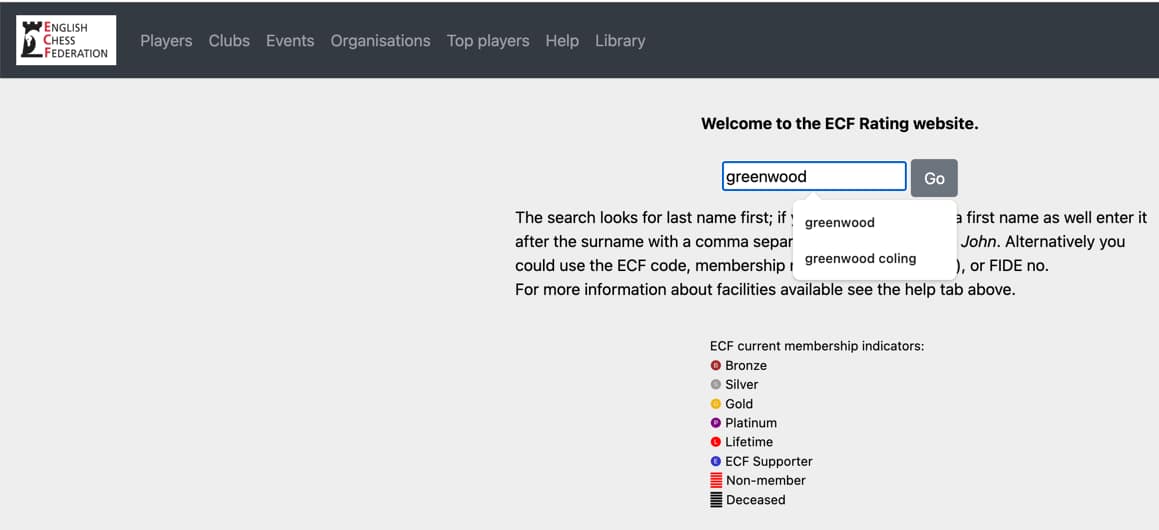
Go to the ECF ratings website: rating.englishchess.org.uk and type your child’s surname into the search box, then click Go.
2
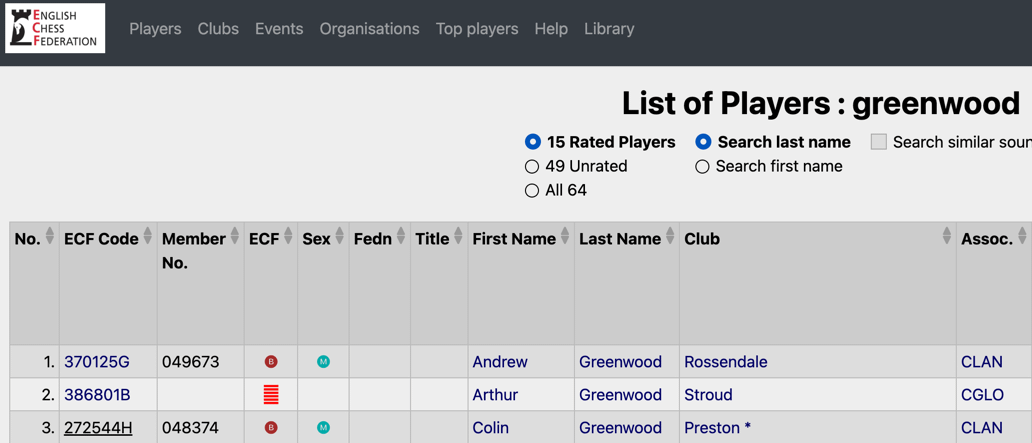
Look for your child in the results. If they appear, click their name to see their profile.
3
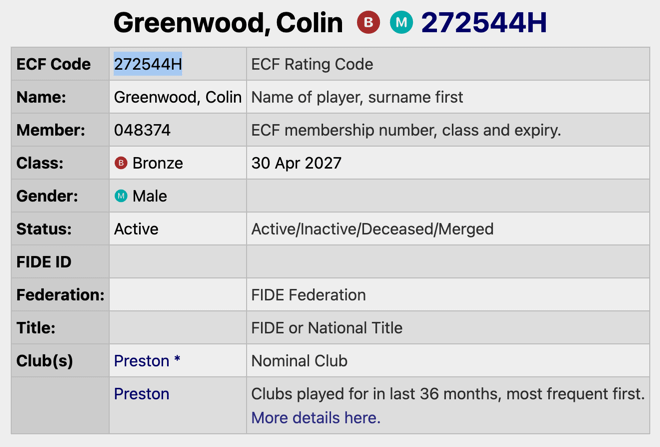
Note their ECF Code and Member number — you’ll need these when entering the championship.
✅ If your child is found — great! Just make sure their membership is current (check the expiry date). If it’s expired, renew at ecf.justgo.com. If all is current, you can go straight to entering the championship.
Not found? No problem — follow Part 2 below to create a free account.
Part 2: Creating a new ECF account (free)
1
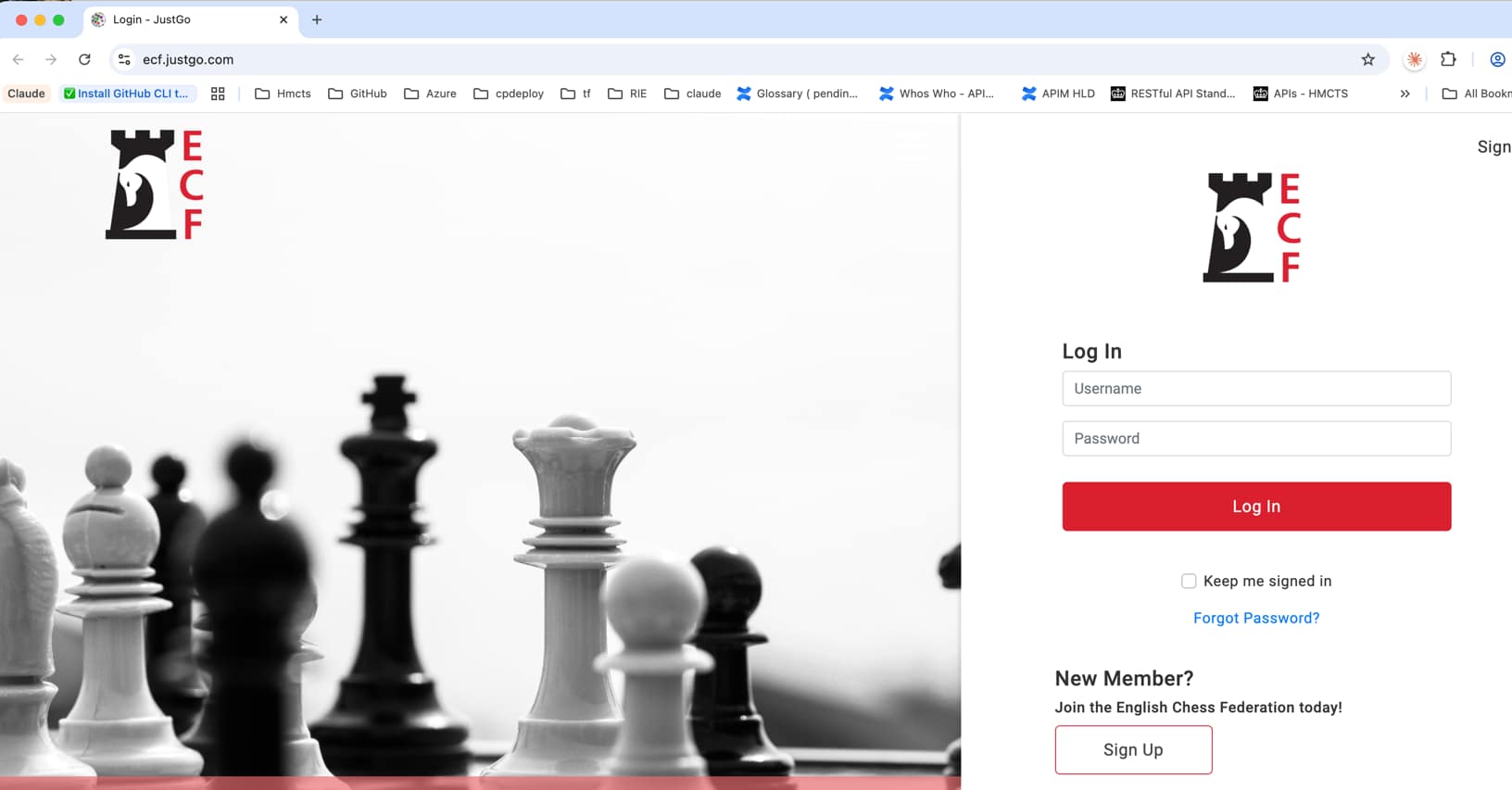
Go to ecf.justgo.com — the ECF membership portal. You’ll see the login screen.
2
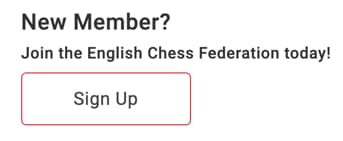
Click “Sign Up” under the “New Member?” section.
3
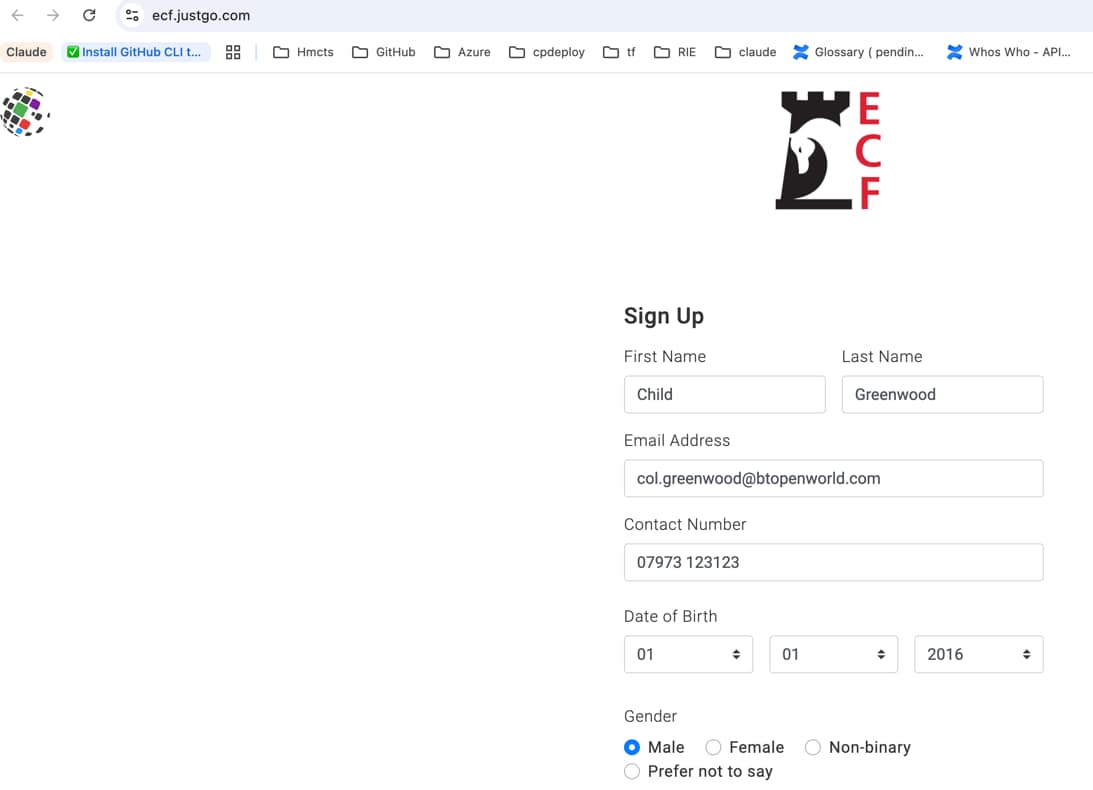
Fill in your child’s details — first name, last name, email address, contact number, date of birth and gender.
4
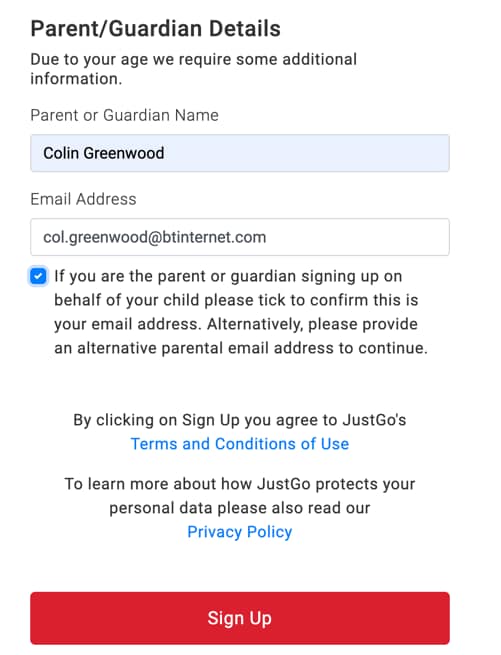
Fill in the Parent/Guardian details — your name and email address. Tick the checkbox to confirm this is your email address, then click Sign Up.
5
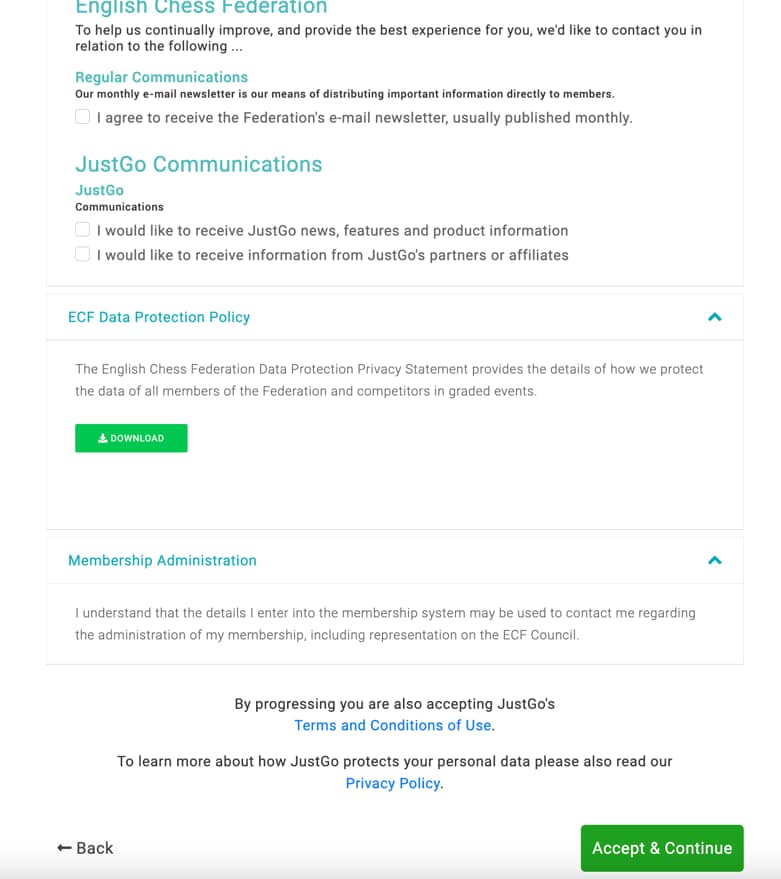
Accept the communications preferences — scroll down and click Accept & Continue.
6
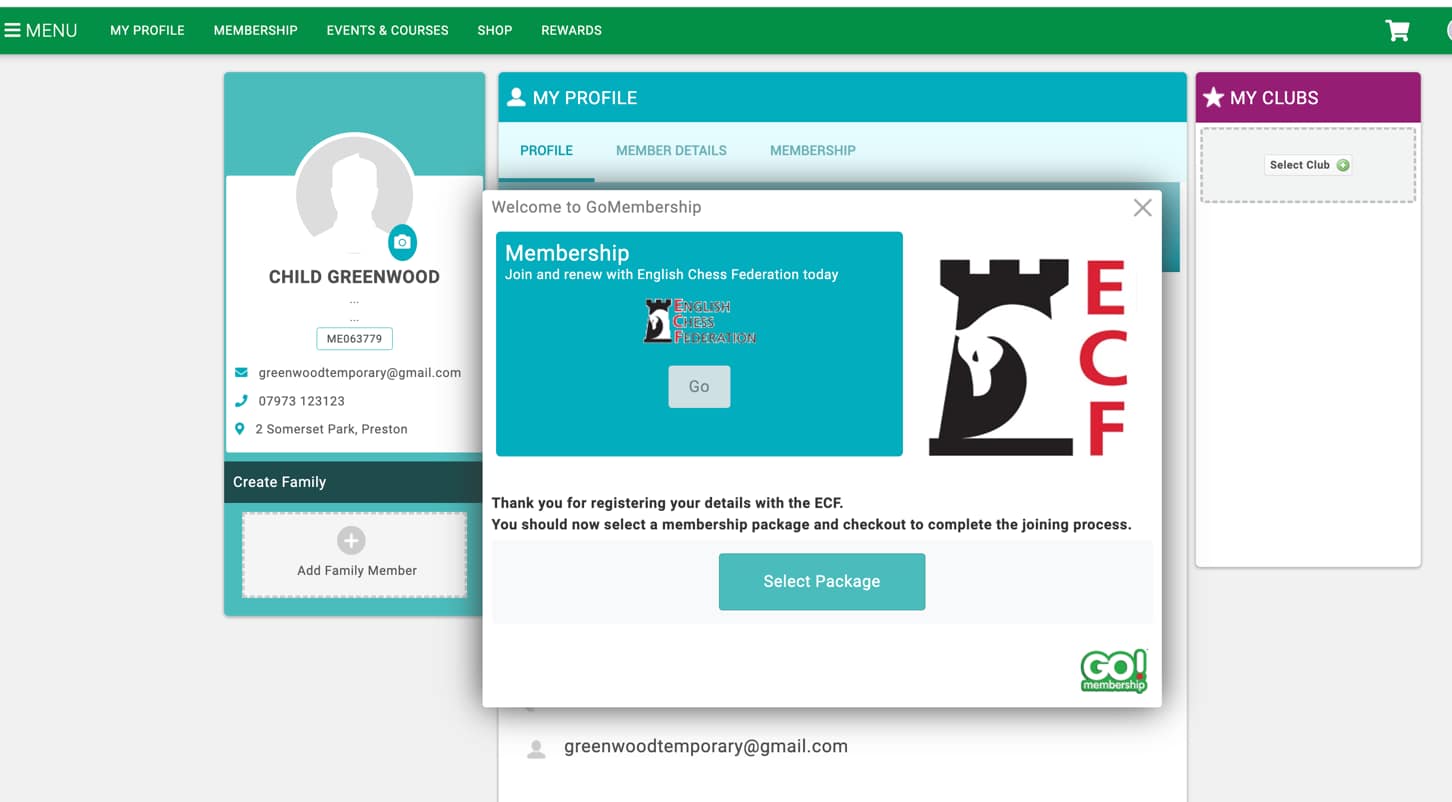
You’ll now see your child’s profile page. A popup will appear — click Select Package.
7
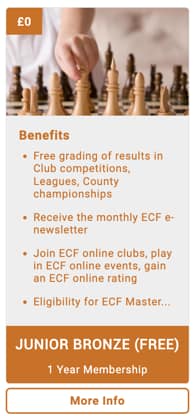
Choose “Junior Gold (FREE)” — this is the free 1 year membership. Click More Info to select it.
8
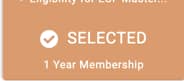
The package will show as “Selected” — then click Next.
9
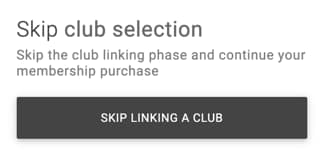
Skip club selection — click Skip Linking a Club.
10
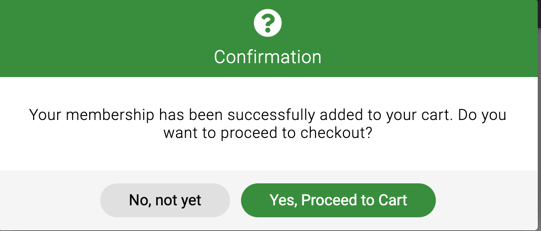
Confirm and proceed to cart — click Yes, Proceed to Cart.
11
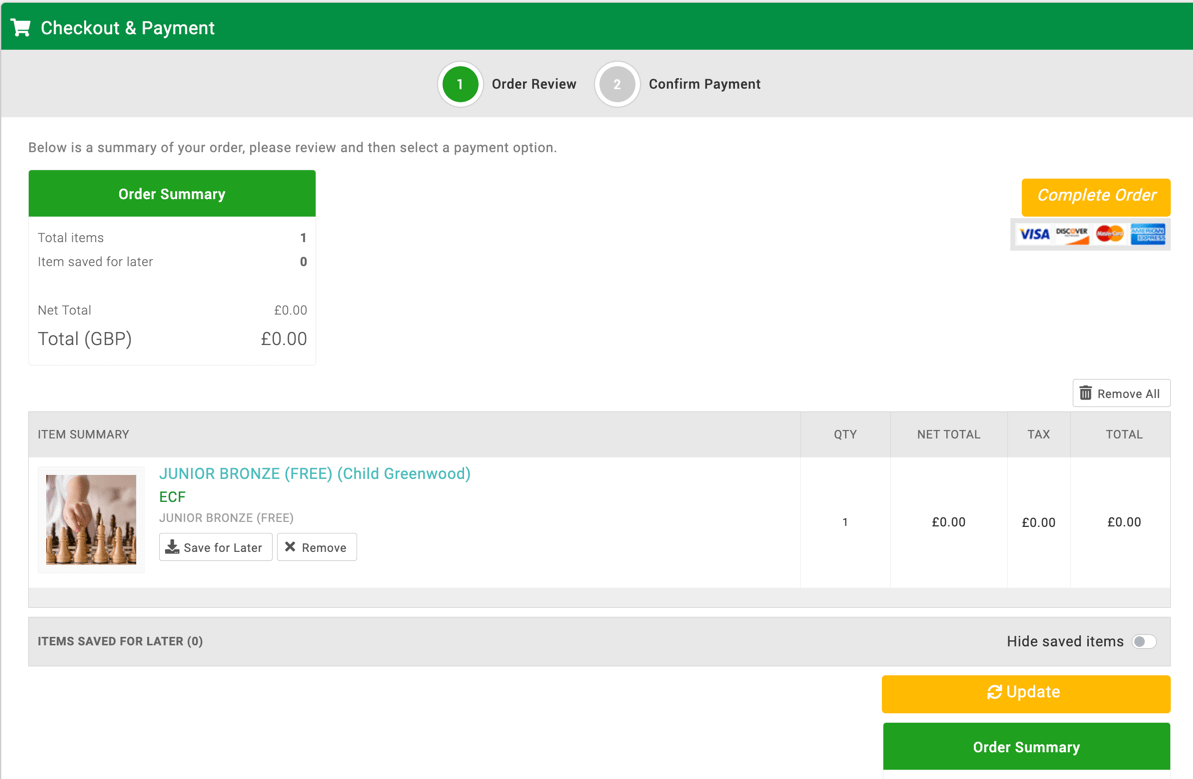
Review your order — the total will be £0.00. Click Complete Order.
12
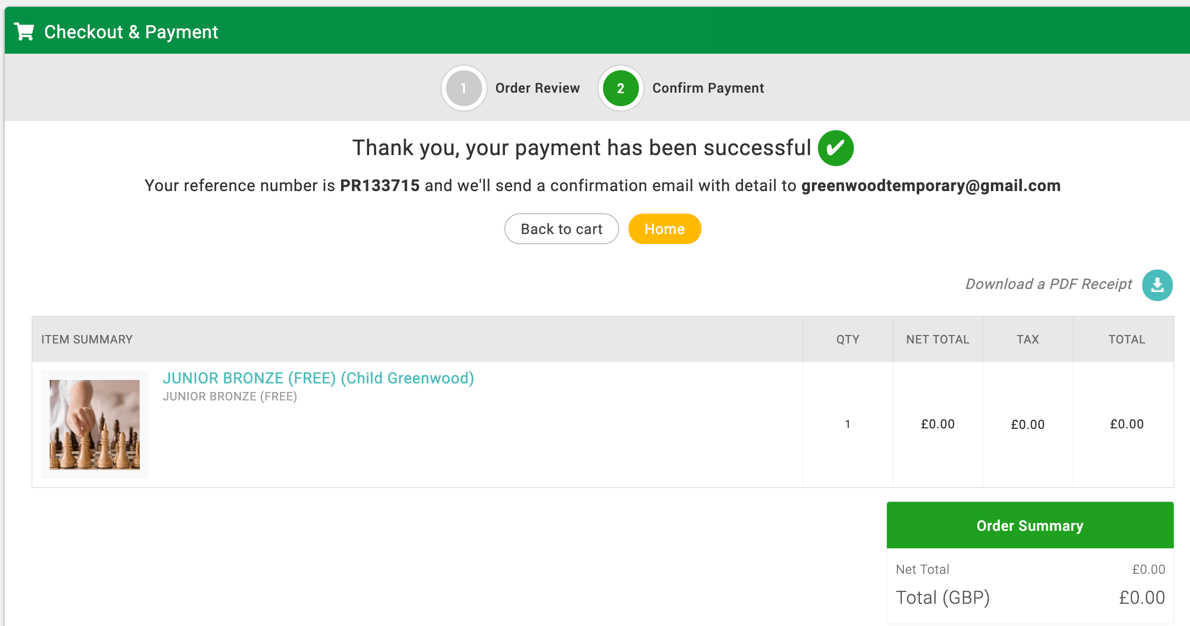
You’ll see a success confirmation — your ECF membership is now set up!
13
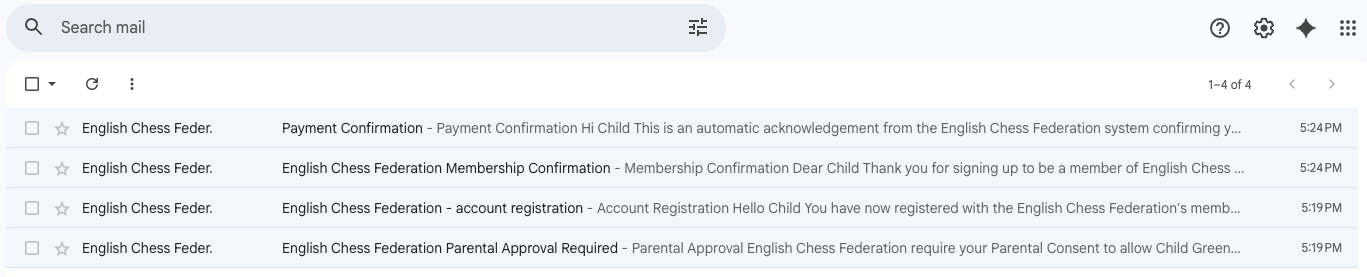
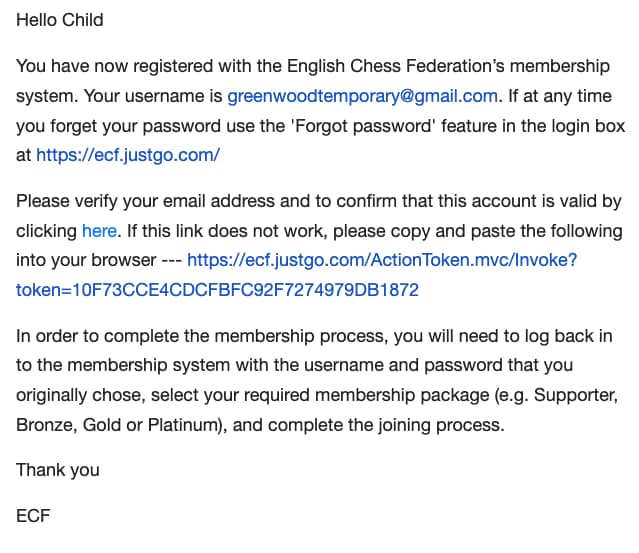
Check your email inbox — you’ll receive emails from the ECF including an account registration email and a parental approval email. Look for the verification link and click it to verify your account.
14
Click the verification link in the registration email to confirm your account.
15
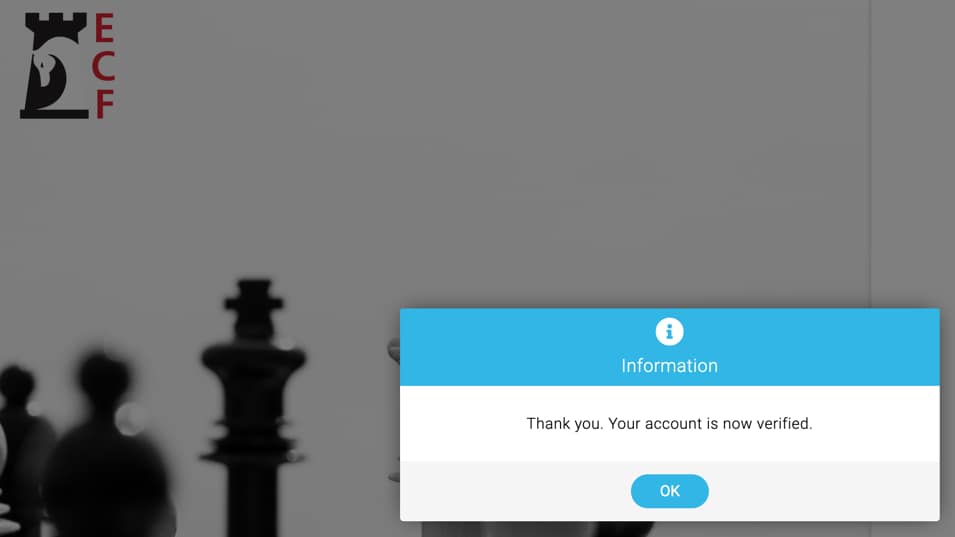
Your account is now verified! You’ll see a confirmation message. Click OK.
16
Check your email for the Membership Confirmation from the English Chess Federation. This contains your child’s Membership Number (e.g. ME063779) — you will need this when registering for the Lancashire Junior Championship.
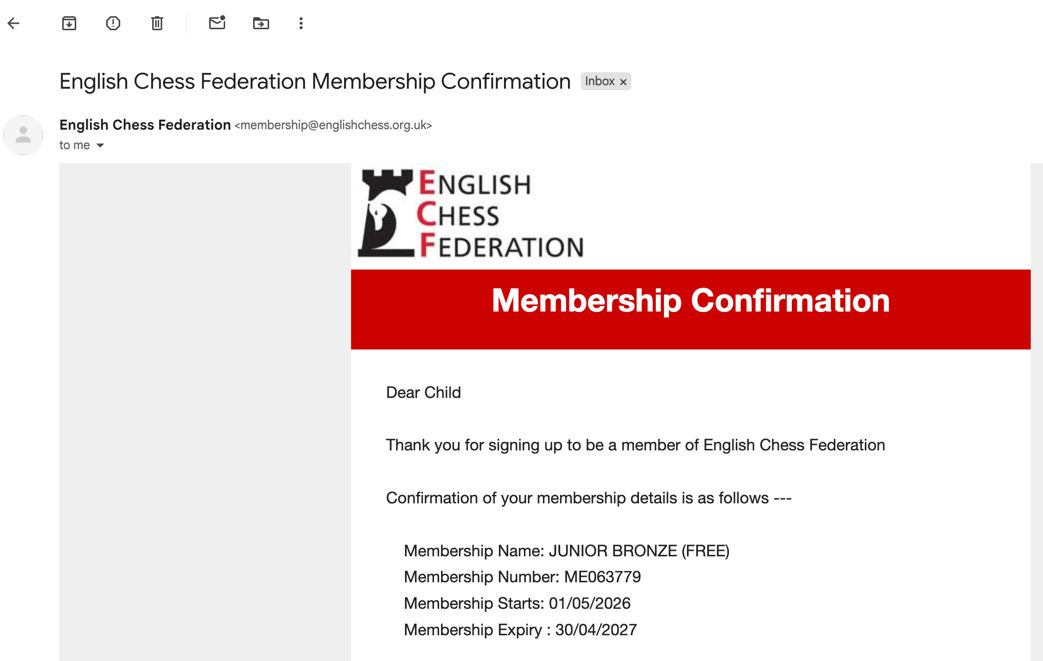

✅ All done! Your child now has a free ECF Bronze membership. It may take a few days for their ECF ratings code to be issued — don’t worry about this. Go ahead and enter the Lancashire Junior Championship and leave the ratings code blank. We will look up your child’s code from the ECF website once it becomes available.
Need help? Contact Colin Greenwood — col.greenwood@btopenworld.com